
To upload a file, go to a room, where you own at least a “Contributor” permission (otherwise you are not allowed to do it) and either drag and drop from your system the desired file(s) or click on the “Upload file” button, you will see on the top right-hand corner of the screen.
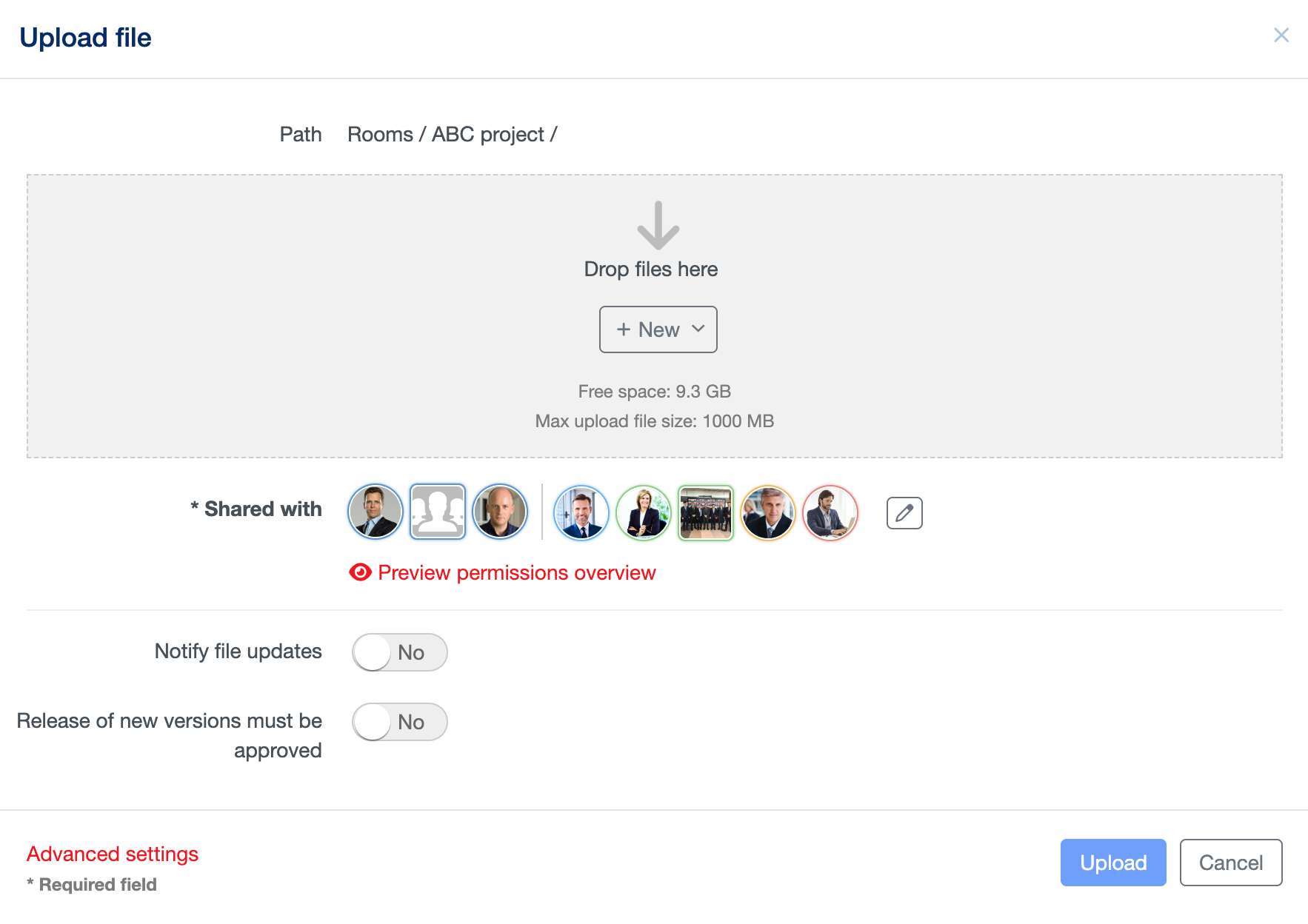
On the upload file form, in the most cases, you can simply confirm your action with “Upload” (since all the settings are inherited from the room).
This form, however, enables to set more properties like:
- A description of the file.
- The users/groups who can access this file and their permissions on it (Shared with).
- If someone has to be notified upon the publication of the file.
- If someone has to approve the file prior its publication.
- The lifetime of the file (when this file should be made visible and when it should be deleted).