Sharing a resource (File, Meeting, Room, etc.) is a principal purpose of the platform. This share functionality is for both Internal Users being granted access, as well as occasional external trusted guests or third parties.
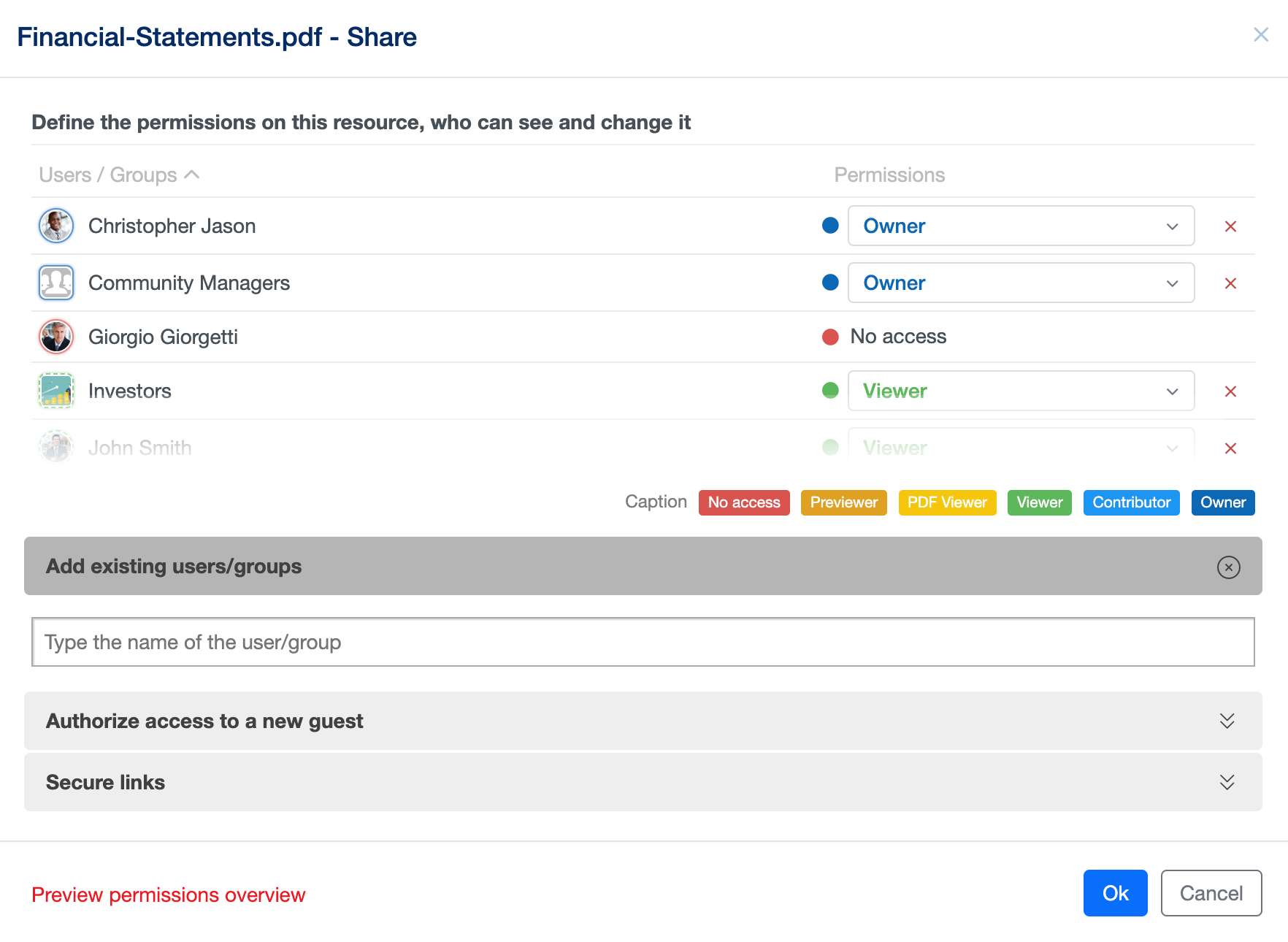
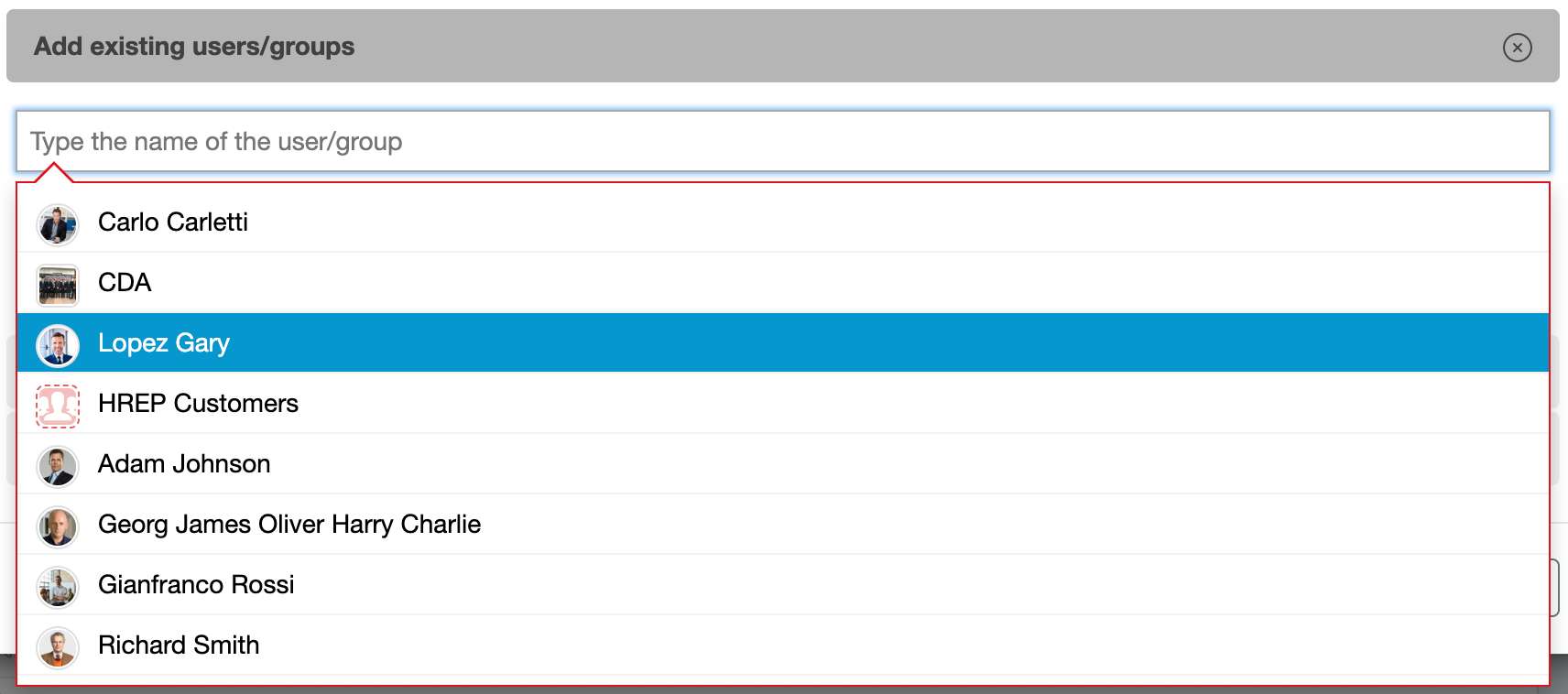
By using “Add existing users/groups” you can select the users/groups already defined in your Trust Room that you would like to authorize access to the resource. Users/Groups which have already access to the hierarchy of this resource (for example, who can see the Room where this file is saved) are written in black. In grey are instead displayed Users/Groups without this access.
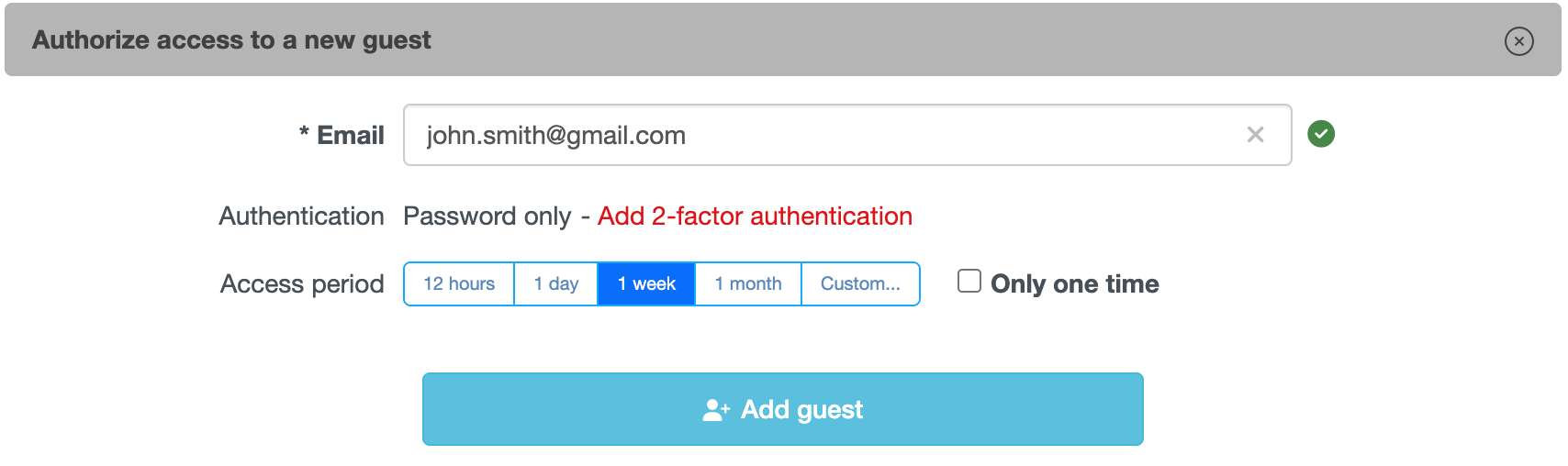
In the “Authorize access to a new guest“ section, you can grant access to your resource for an external person (guest). To accomplish this, simply enter their email address, and optionally setup a 2-factor authentication, the desired access period and if you want that the guest will be able to access that resource only one or multiple times. Once the guest account is added, you will have to assign him/her the desired permission level on the resource.