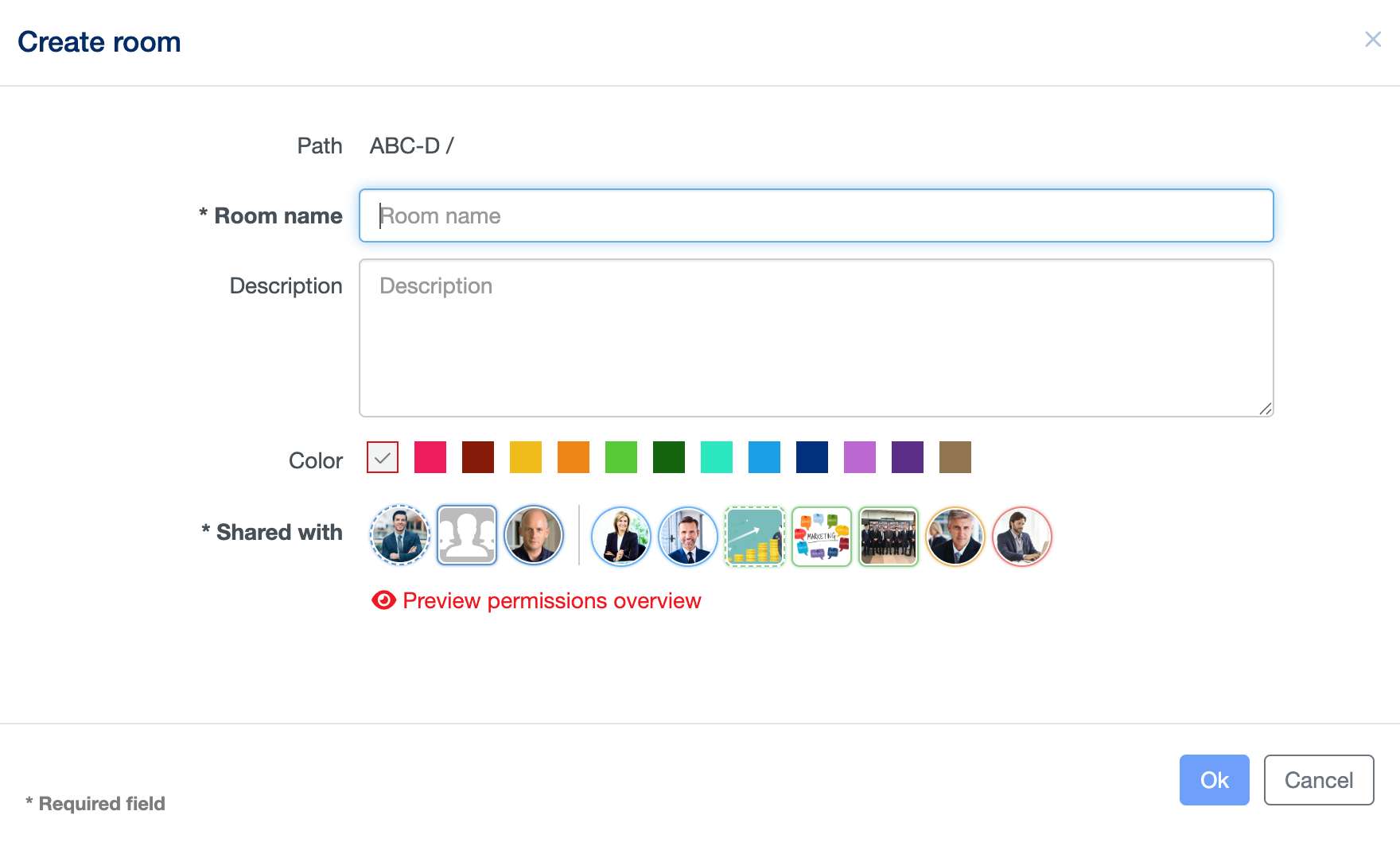
A Room acts like a classical file folder but offers much more capabilities: in fact, you can store there not only files, but also sub-rooms (to better organize your data), notes, events, discussions and much more.
To create a new Room, select an existing Room, where you own at least a “Contributor” permission and click on the “New” button on the top right-hand corner a select “Room” from the drop-down menu. You can either simply enter the new room’s name and confirm with “OK” or, similar to the file, define additional information.