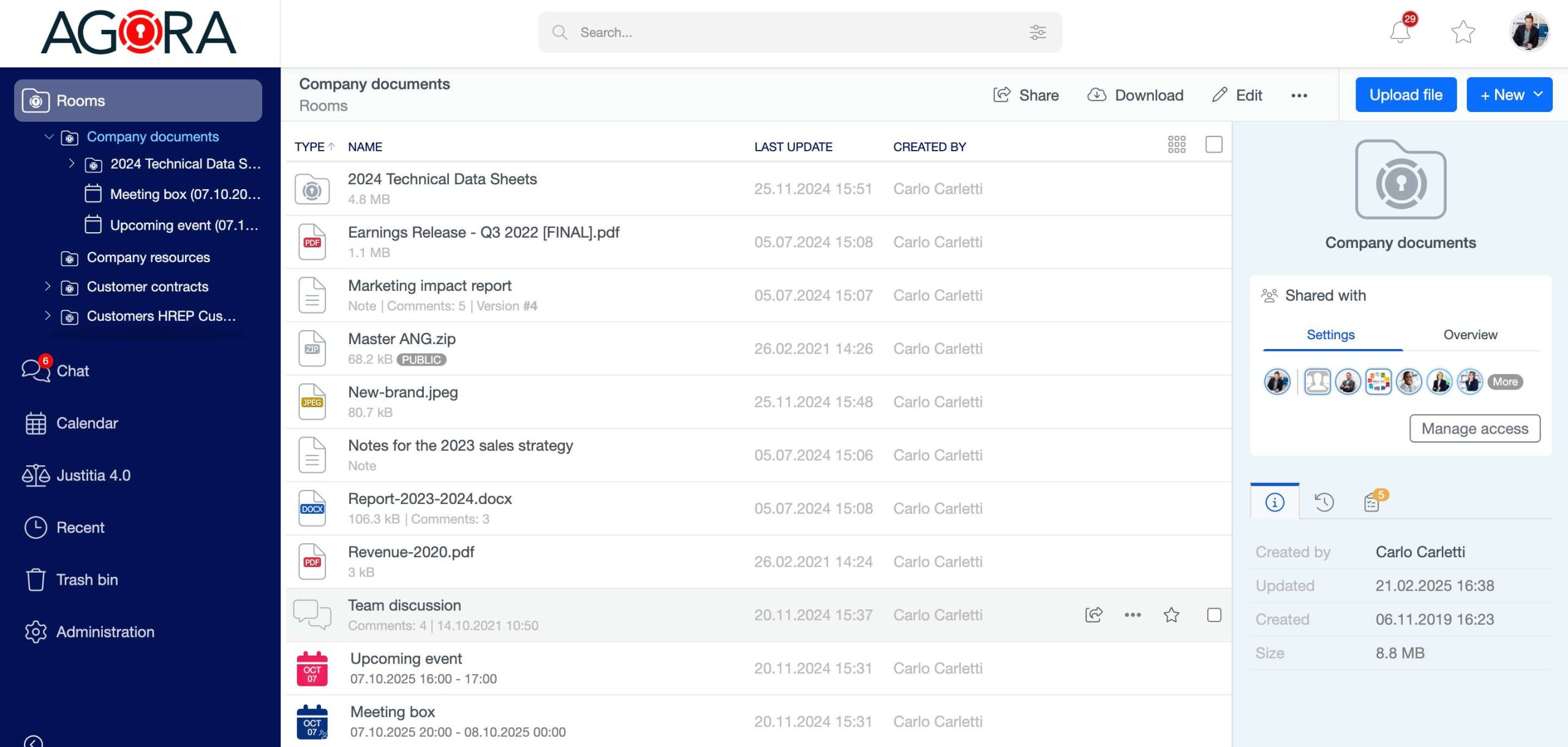
Inside this page you can browse all the information (Rooms, files, meetings, events, discussions, …) that were either shared with you or that you shared with others. You can drill down the rooms’ hierarchy either clicking on the single list’s elements or using the tree structure, displayed inside the navigation bar on the left.
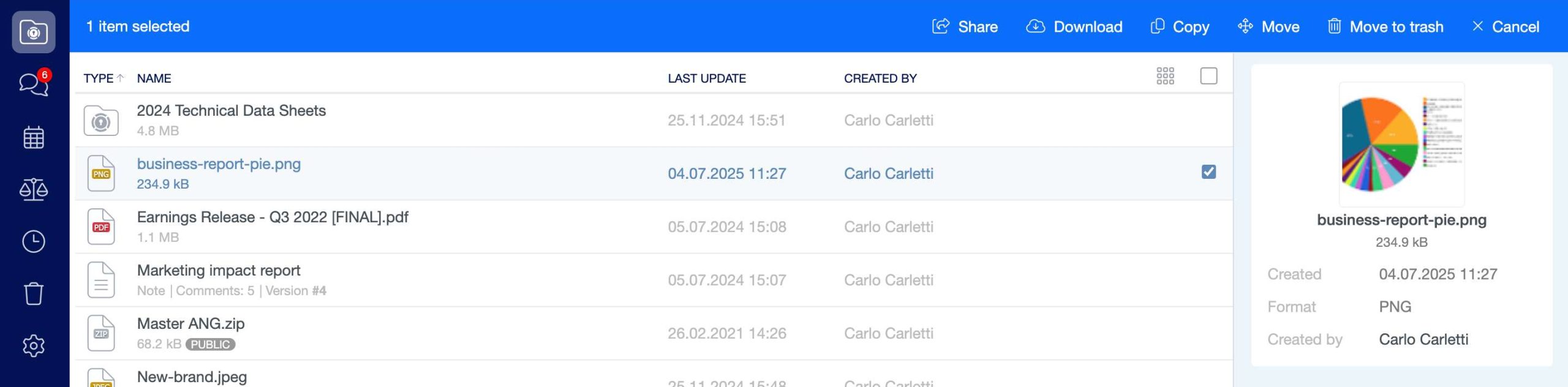
You are able to perform actions (like download, copy, move, delete) on multiple list’s elements by performing a multiple selection, that can be done either by manually check the element’s selection checkbox or holding Ctrl+Click (or Cmd+Click on Mac) and ranges with Shift+Click.