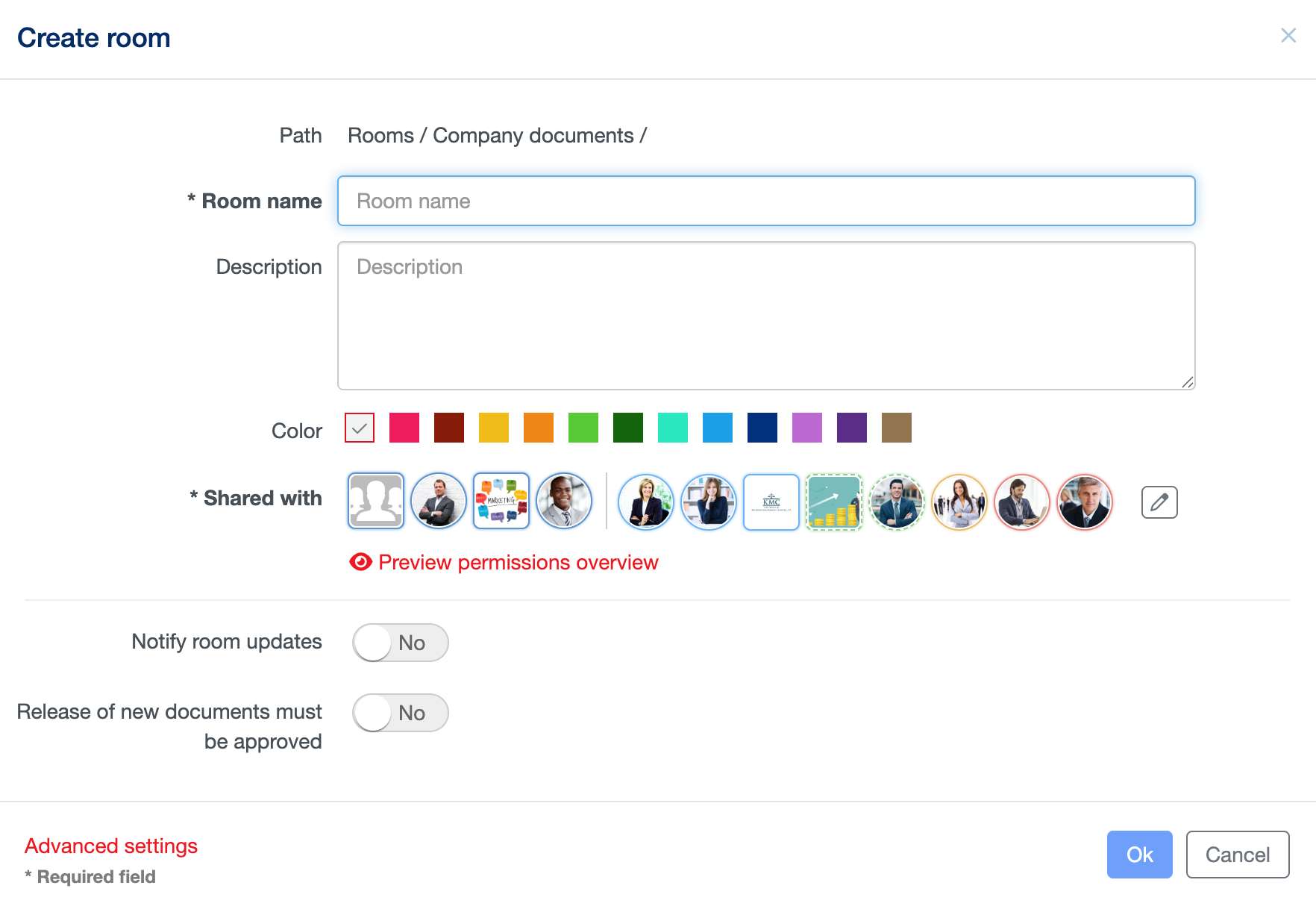
A Room is the basic collaboration element of AGORA: it is the place that you set up to start collaborating with someone. It acts like a classical file folder but offers much more capabilities: in fact, you can store there not only files, but also sub-rooms (to better organize your data), notes, events, discussions and much more. On a Room, you define the general rules for the collaboration: who can participate and with which permission, the default notification settings, whether the files have to be first approved, whether there is a maximal lifetime for the documents stored there, etc.
To create a new Room, go to “Rooms” or select an existing Room, where you own at least a “Contributor” permission and click on the “New” button on the top right-hand corner a select “Room” from the drop-down menu. You can either enter simply the new room’s name and confirm with “OK” or, similar to the file, define additional information. The settings you define on the Room will then be the default ones applied on the resources (files, sub-rooms, …) saved inside this Room.