
To upload a file, go to a room, where you own at least a “Contributor” permission (otherwise you are not allowed to do it) and either drag and drop from your system the desired file(s) or click on the “Upload file” button, you will see on the top right-hand corner of the screen.
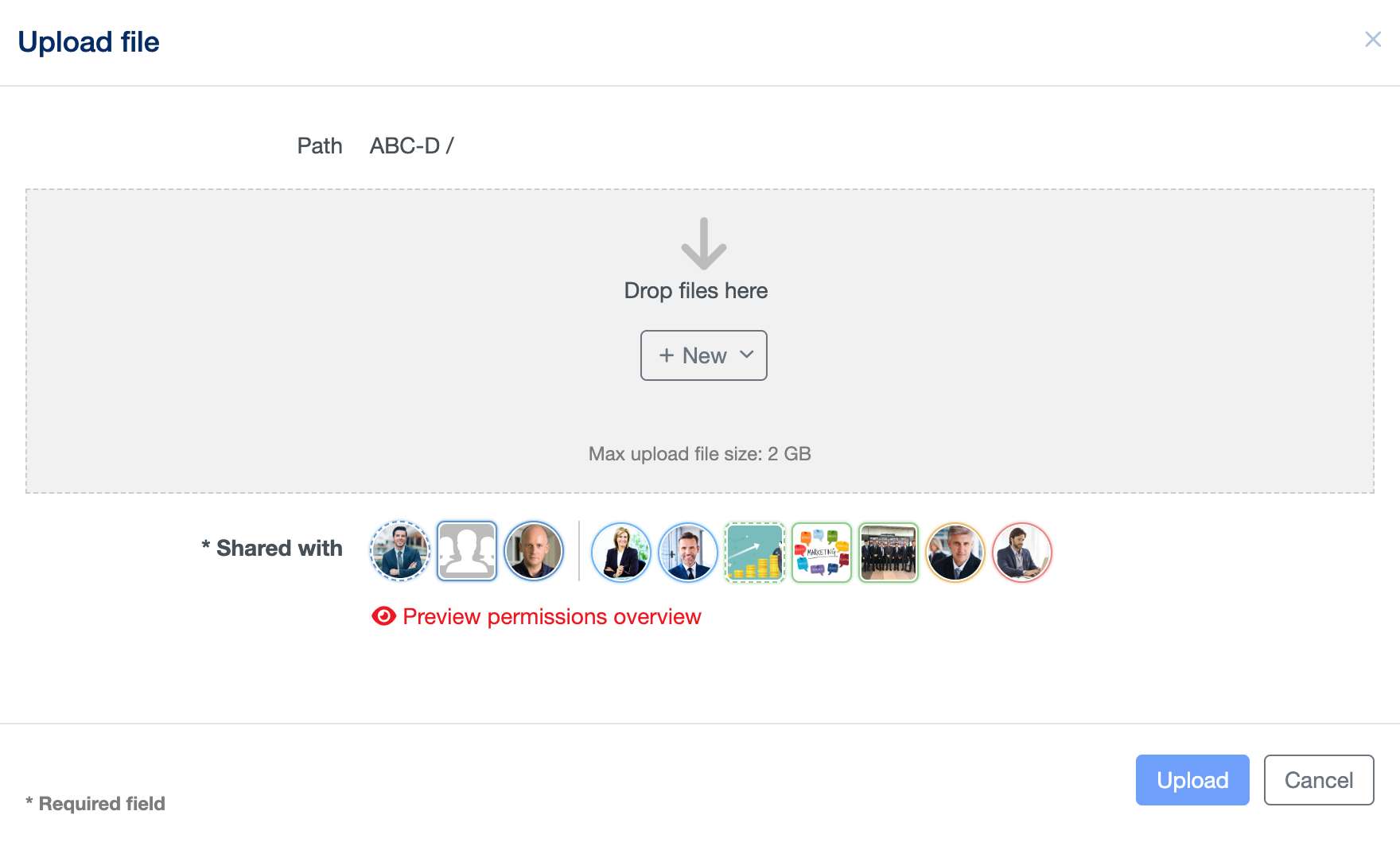
You can either upload a single file, entering an optional description, or select multiple documents or even folders that you would like to upload with their content.