
The platform’s user interface is structured as follows:
The top bar, which contains following elements:
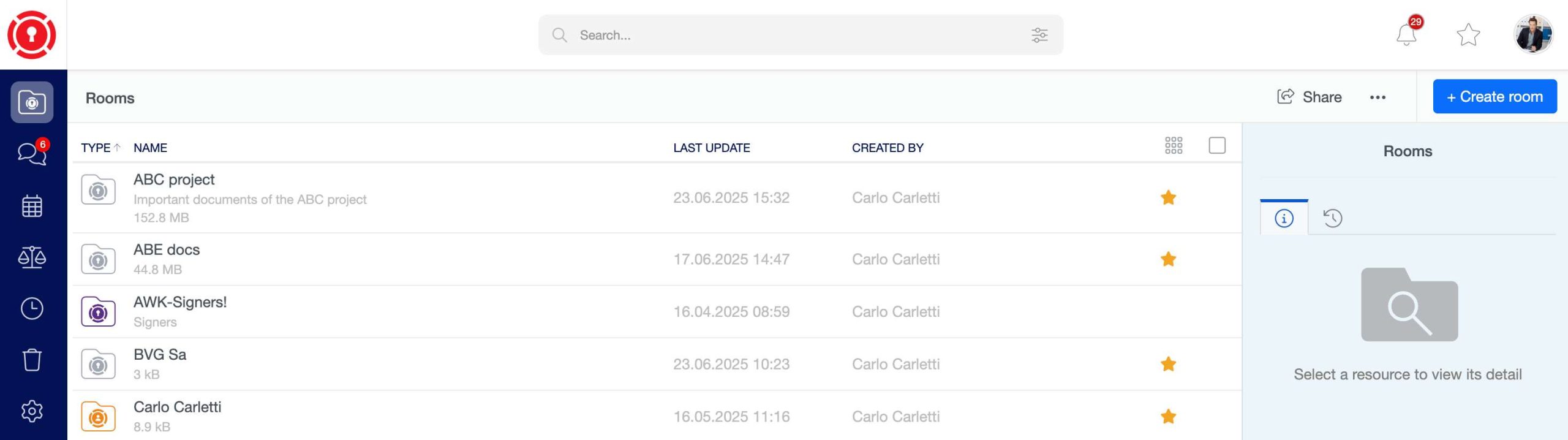
The logo that can be replaced with a custom image for each Trust Room.
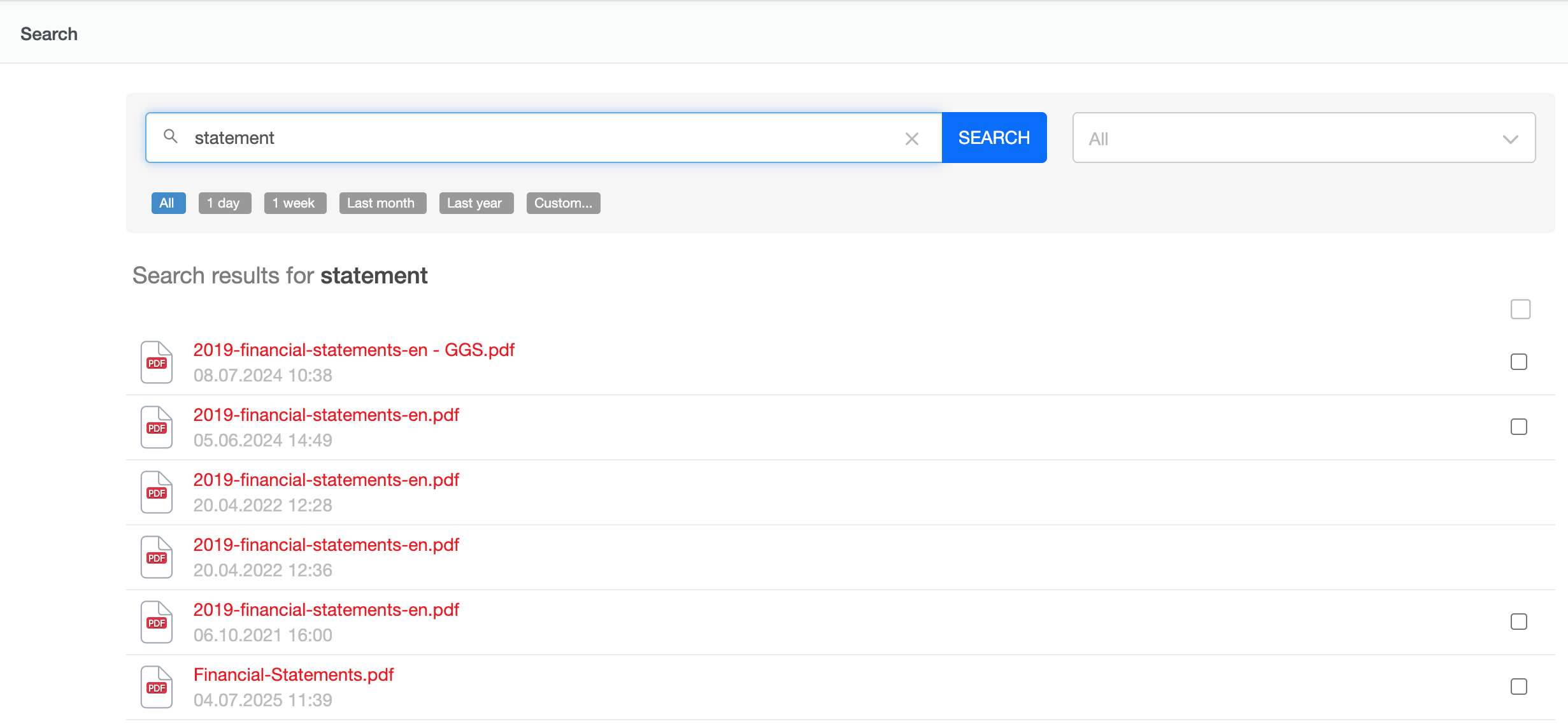
Search: which allows you to look for any type of content inside your Trust Room.
Alerts: this menu displays the list of what you are asked to: files to approve or sign, requests for documents, events invitations, tasks.
The list of resources marked as Favorites.
You can add resources to your favorites’ list selecting “Add to favorites” from their “Actions” menu or simply clicking on the relative star inside the list view.
The My profile menu, where you can access your profile page, send a support request to your Trust Room manager, change the user interface language and also log out.
The navigation bar, where you can move between the different main sections of the application (the displayed options depend upon the configuration of your Trust Room and your permissions), and – once expanded – browse the tree structure of your rooms.
In the detail bar, on the right, are displayed the properties of the current resource (room, meeting, file, …) and also the users allowed to access it. The resource’s owners are even allowed to view immediately the permissions that the single users/groups have on it.
If you select an element inside a room, you will see in this bar its detail (including the preview for files).
The content.